- Loading...
Sponsored by Dometrain Courses—Get 30% off Dometrain Pro with code ANDREW30 and access the best courses for .NET Developers

My new book ASP.NET Core in Action, Third Edition is available now! It supports .NET 7.0, and is available as an eBook or paperback.

Benchmarking 4 reflection methods for calling a constructor in .NET
In this post I compare several different ways to call a constructor using reflection, and benchmark them to see which is fastest.…
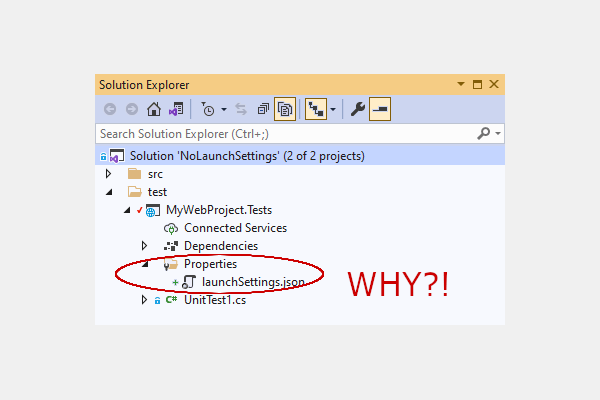
How to stop Visual Studio from creating launchsettings.json
In this post I show how to stop Visual Studio from automatically creating launchsettings.json files for your test projects…
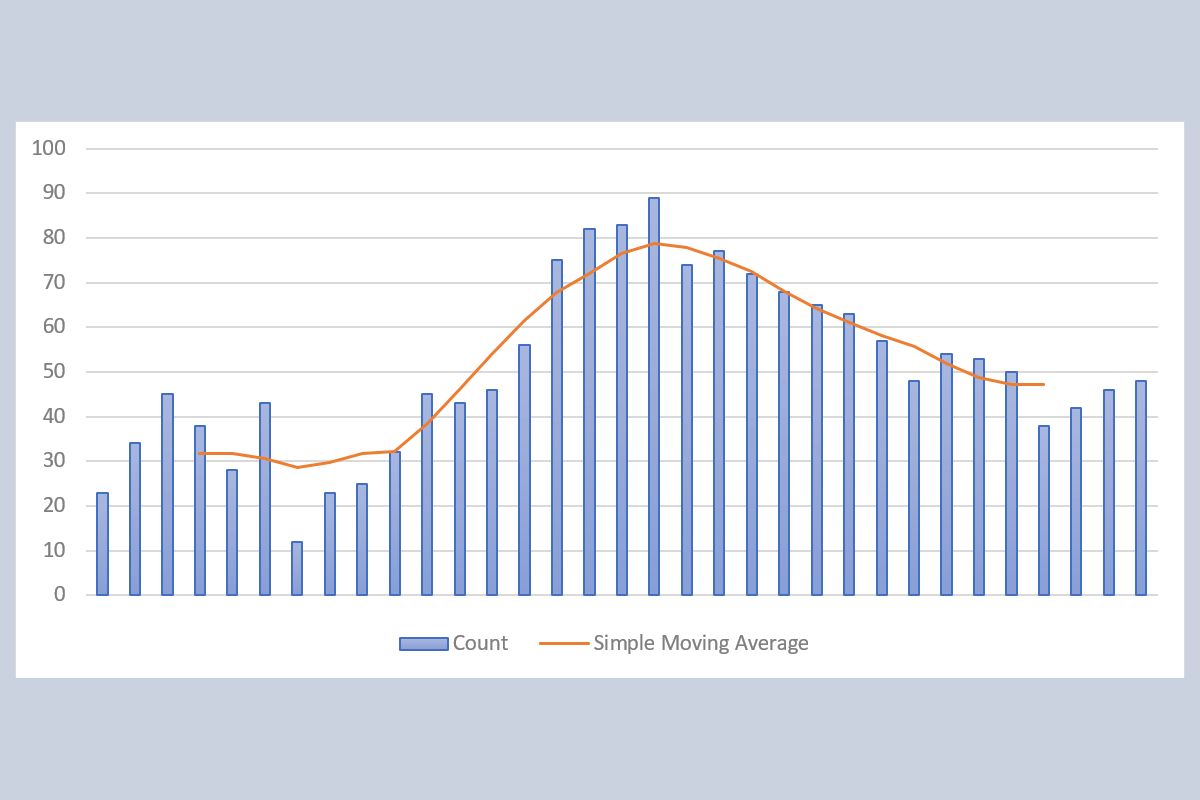
Extending the calculator implementation
Creating a Simple Moving Average calculator in C# - Part 3
In this post I look at the final implementation of the thread-safe calculator to support recording an average rate and improve performance.…
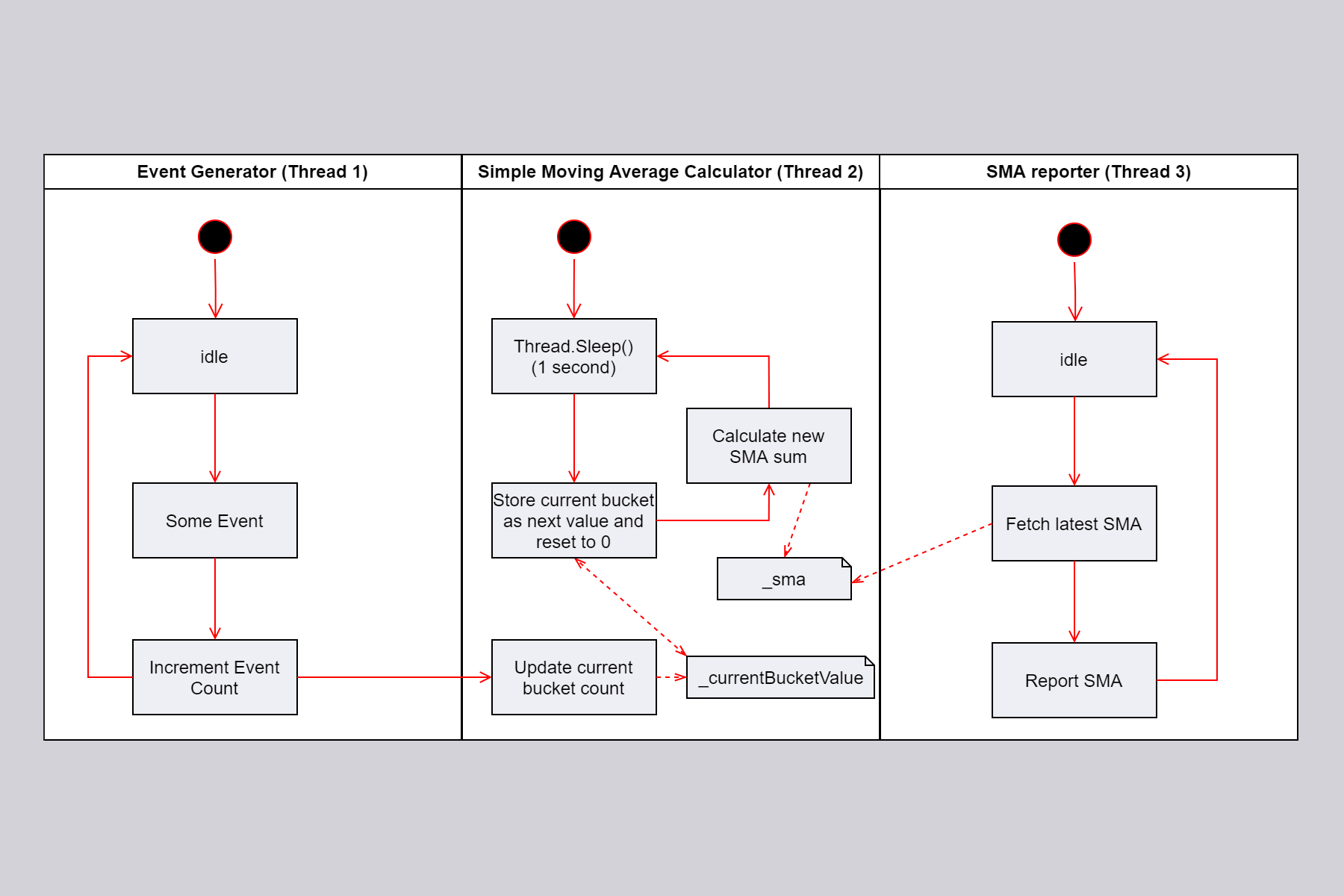
Making the calculator thread-safe
Creating a Simple Moving Average calculator in C# - Part 2
In this post I show how to create a thread-safe version of a Simple Moving Average calculator in C#…
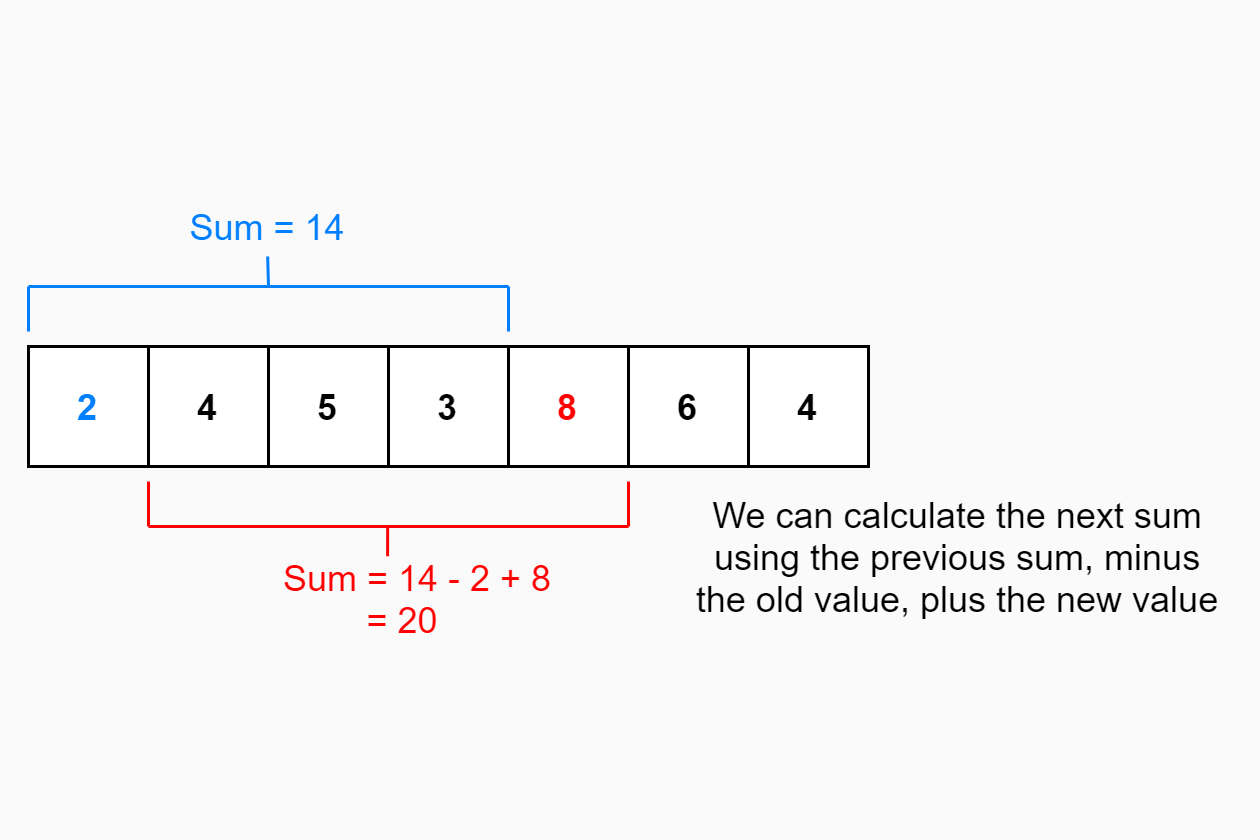
A Simple Moving Average calculator
Creating a Simple Moving Average calculator in C# - Part 1
In this post I show how to create a (very) Simple Moving Average calculator in C#…
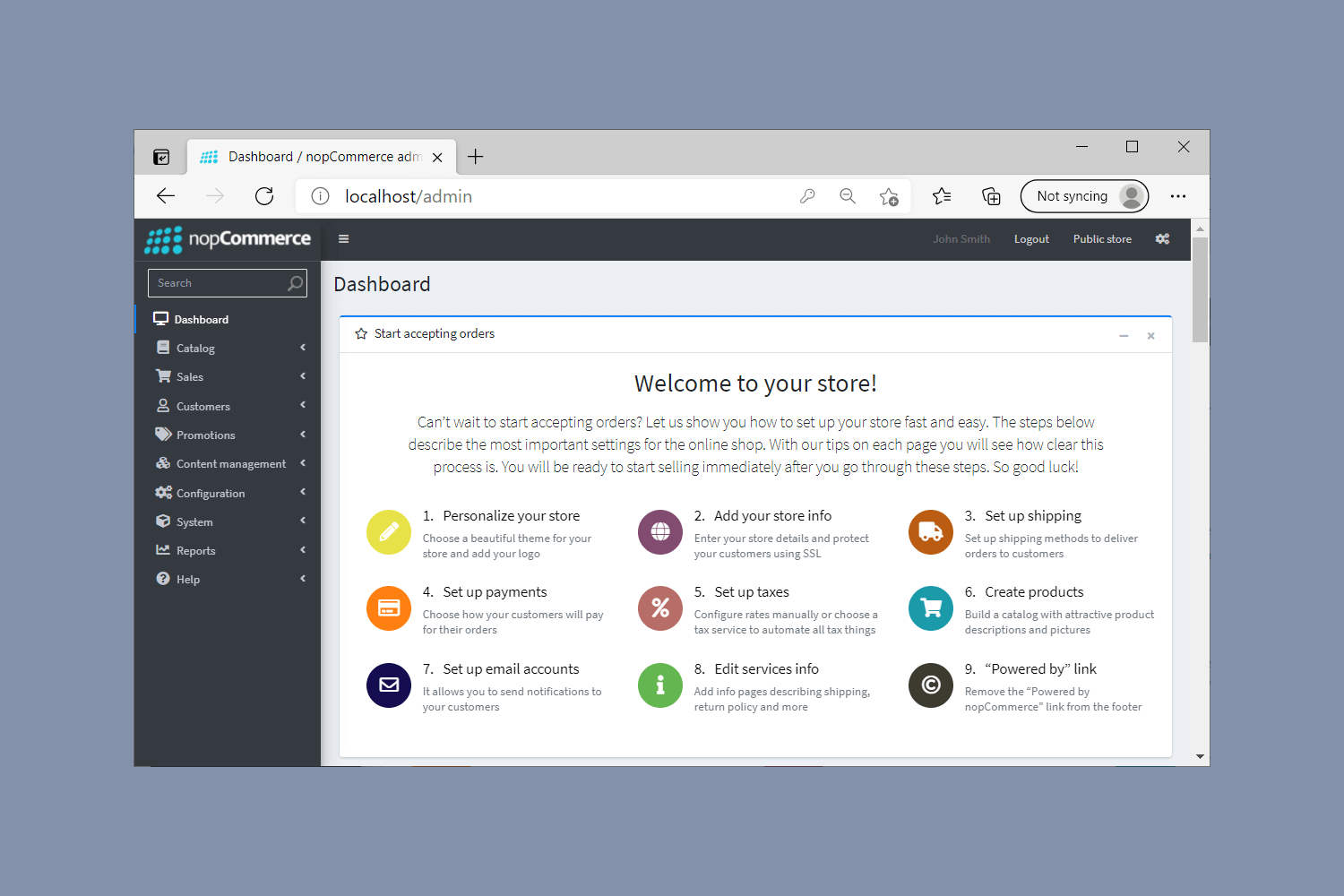
Trying out the open-source eCommerce platform nopCommerce using Docker
In this post I show to run nopCommerce locally using docker-compose, show how to bootstrap the app, and take a brief tour of the app…